Upgrade for access
Organizer Resources come with the Full Organizer-Daily level ($44.99): every user guide, printable judge cards and People's Choice ballots, the worked rules example and sample flyers. Pay for a Full Organizer-Daily event, or upgrade one of your events from your Dashboard and only pay the difference.
Start Here · User Guides
Full feature walkthroughs with step-by-step instructions — kept up to date as the platform evolves.
People's Choice & Ribfest Guide
Run a People's Choice or Ribfest: voting methods, event economics calculator, timeline, site plan, sponsorship levels and volunteer checklist. Printable.
Upgrade for accessPrintables & Forms Guide
How to use every printable — judge cards, numbered People's Choice ballots, the Rules Packet, team comment cards and flyers — and how results flow back into scoring, the PC Tracker and your Dashboard.
Upgrade for accessOrganizer User Guide
One complete guide: Part 1 — why and how to plan a great cookoff (budget, sponsors, judges, event day, awards). Part 2 — every EasyCookoff.app feature step by step (incl. Event Flyer Maker & QR rib cards). Printable.
Upgrade for accessPrintable Templates
Get the EasyCookoff App — QR sign
Printable table sign with the EasyCookoff QR code (logo in the middle) and how-to-install steps. Scans to easycookoff.app/install. PNG and PDF downloads on the sign page.
Upgrade for accessJudge Score & Comment Card
In-app printable card — same comments judges tap on the Scoring page (private to each team).
Upgrade for accessPeople's Choice Ballots
Printable numbered ballots, 6 per page — open from your Dashboard to prefill team numbers that match the PC Tracker's # column.
Upgrade for accessWorked Example: Rules Form
A fictional Pulled Pork Cook-Off rules & registration form mapped to EasyCookoff — plus the sample paper form to download.
Upgrade for accessRules Packet (auto-filled)
Build your event's rules packet from the Dashboard — fees, payouts, dates and divisions fill in automatically. Print, save as PDF or publish to your event page.
Upgrade for accessTeam Resources · free for everyone
Open Team ResourcesSample Event Flyers
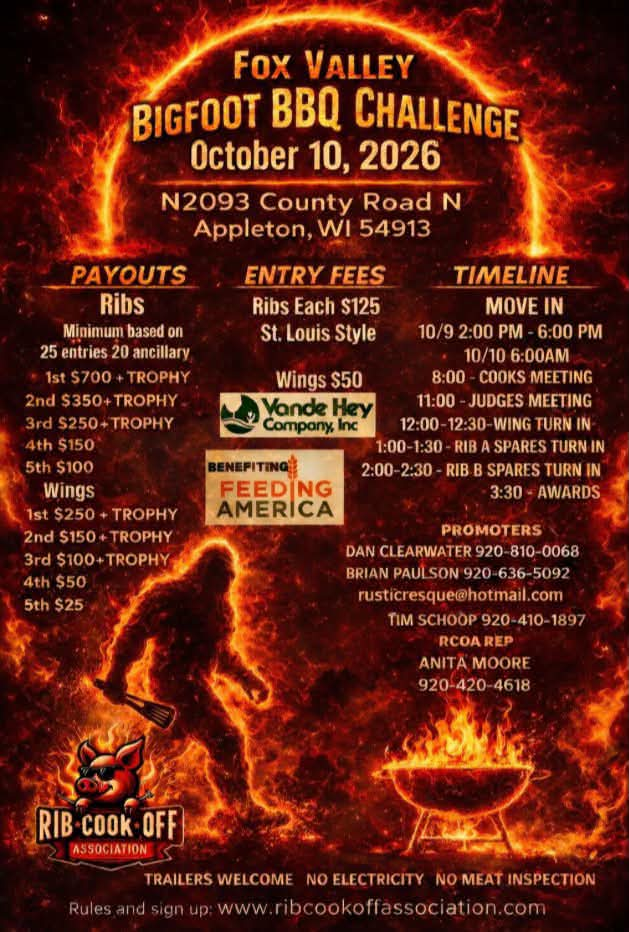
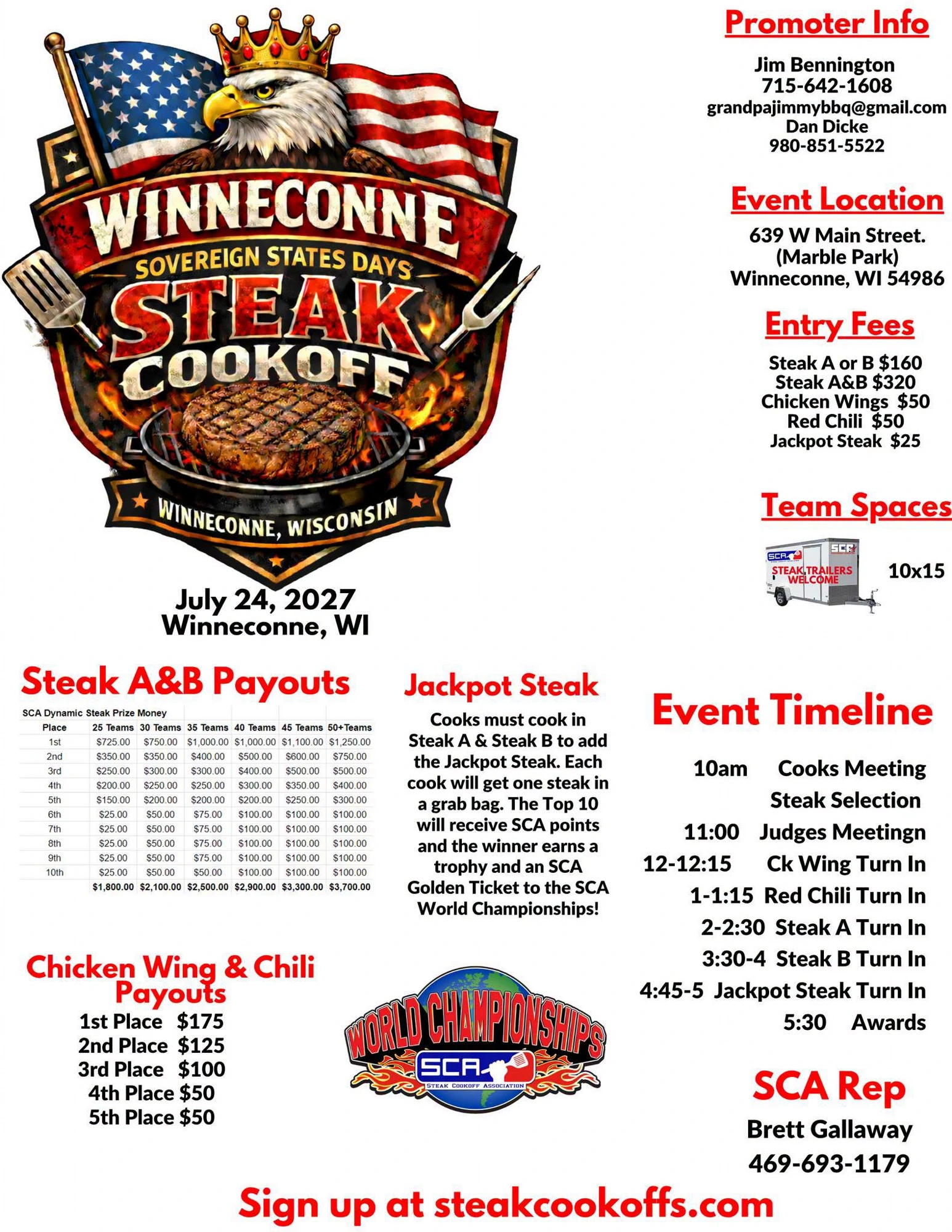
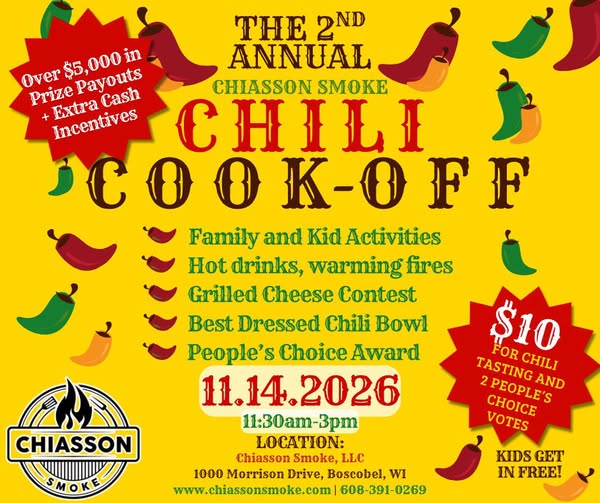
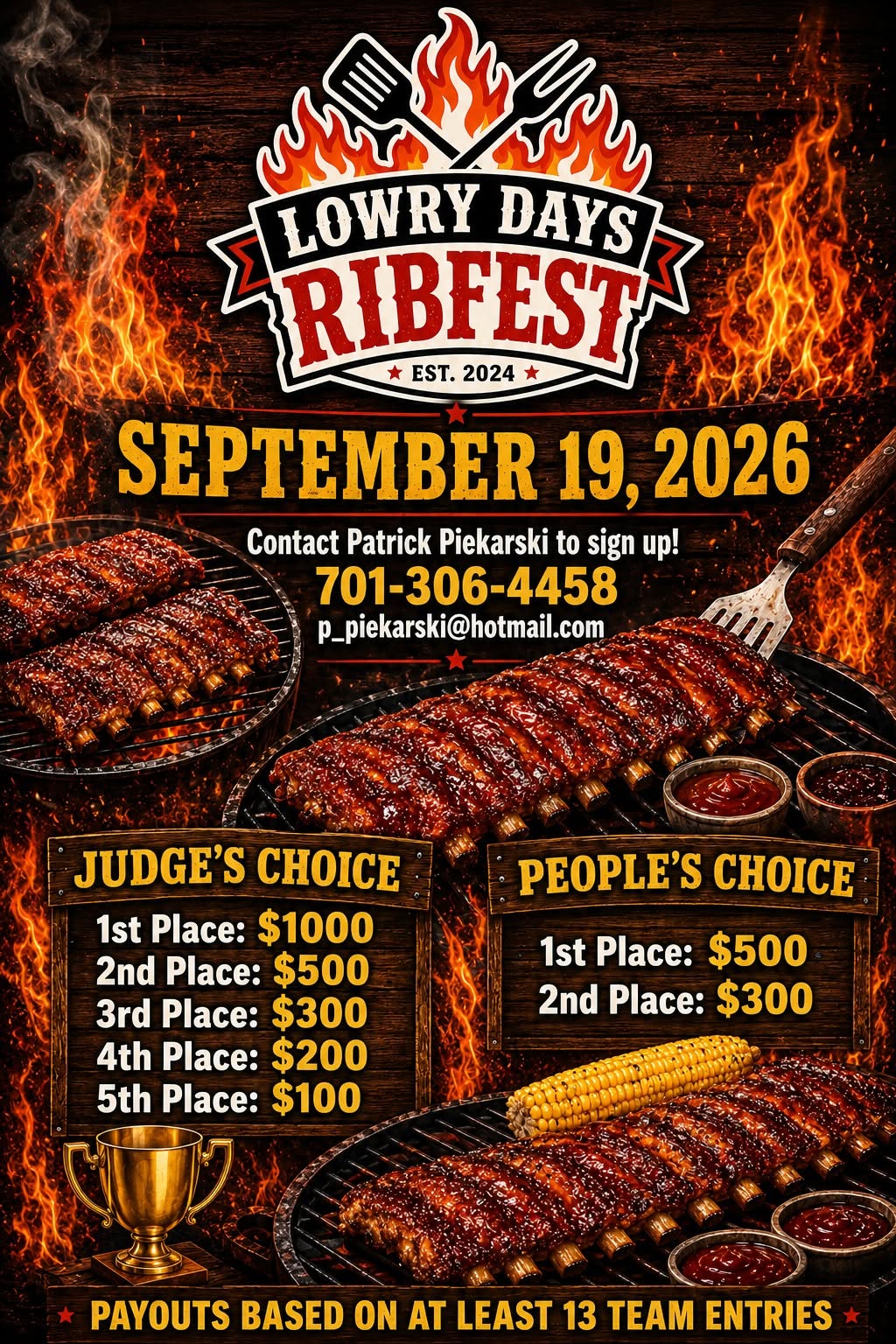
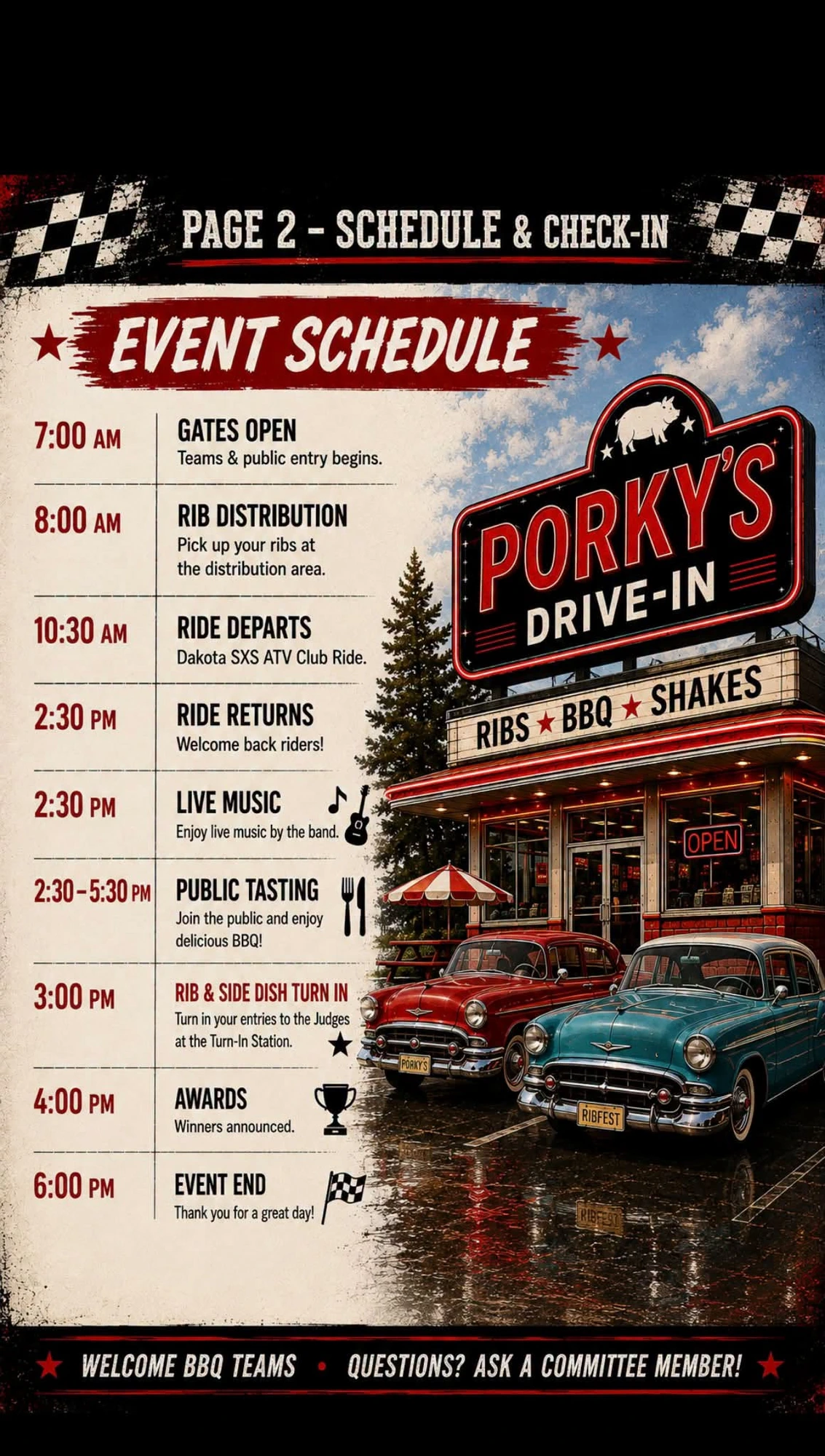
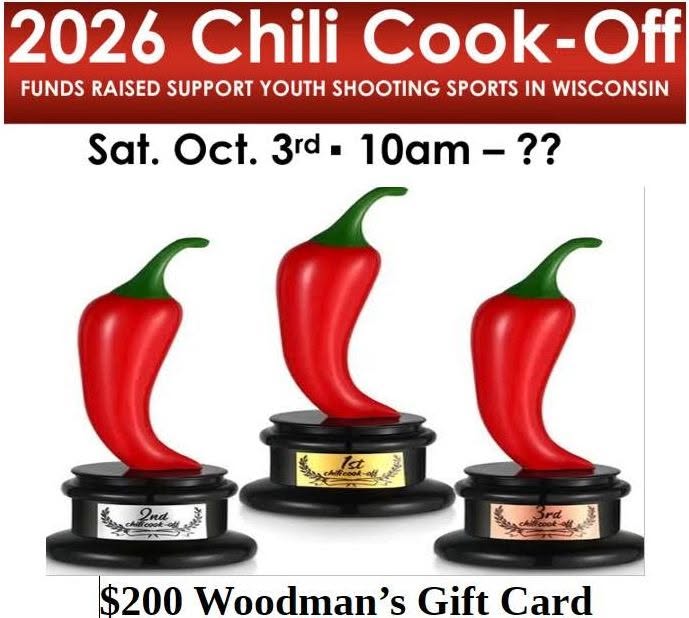
Create a flyer for your event — include the payouts and the cause so teams and community members know what they're cooking for, with clear directions on where to sign up. Here are real examples to spark ideas. Click any flyer to view it full size.
Pro tip: A.I. image tools (like ChatGPT, Gemini or Canva's AI) are a fast, free way to create vibrant, detailed flyers like these — most of the examples below were AI-generated. Just describe your event, payouts, date, location and sign-up link, drop in your logo, and refine until it pops. No designer required.